Direct login via mobile phone using the phone’s Chrome browser?
Using NDI technology with your mobile phone as an NDI HX camera—in just 3 steps:
Feeding the video signal directly into the computer via a capture card.
Since most video capture cards struggle to transmit the audio signal reliably, it is recommended to use a separate solution for audio.
I can recommend the following two Blackmagic Design capture cards for handling both the video and audio signals:
For HD signals: the UltraStudio Recorder 3G https://www.blackmagicdesign.com/de/products/ultrastudio
For 4K signals: the Intensity Pro 4K capture card https://www.blackmagicdesign.com/de/products/intensitypro4k
These devices allow you to feed both the audio and video signals from a high-quality mobile camera directly into your computer via its HDMI output.
Feeding the audio signal into the computer or into the mobile phone’s NDI HX camera:
- Convert the audio signal from XLR to USB using an adapter: https://www.thomann.de/de/the_tbone_usb1x.htm This can be plugged either into the mobile phone or directly into a USB port on your computer. USB Audio Interface (2x XLR): https://www.thomann.de/de/behringer_u_phoria_umc202hd.htm
Microphone with USB Output:
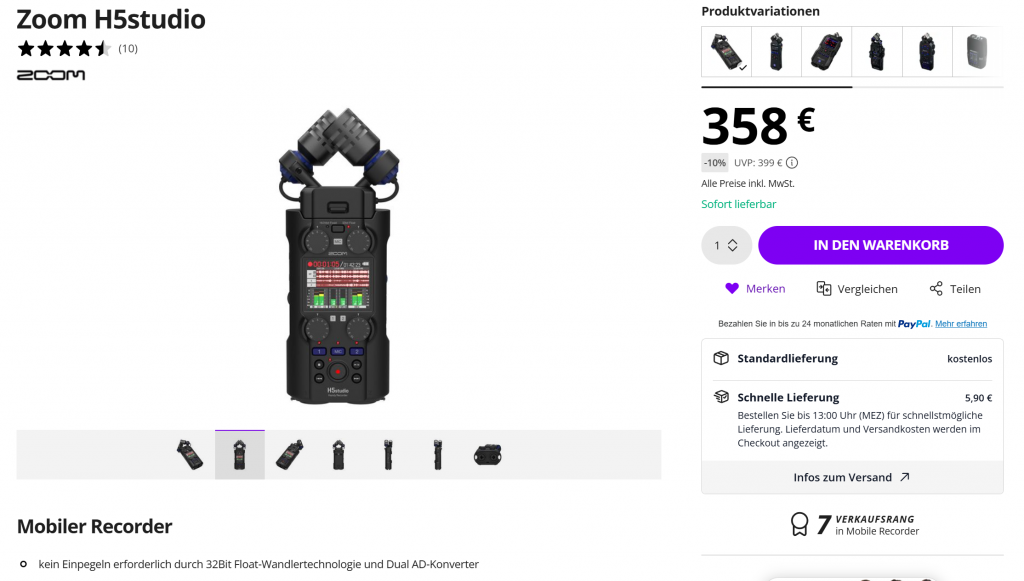
Likely the best audio solution for our purposes: the Zoom H5 Studio—a microphone featuring a USB output and universal versatility, capable of simultaneously transmitting audio and recording directly to an SD card: https://www.thomann.de/de/zoom_h5studio.htm
Its standout feature is the 32-bit float converter technology, which enables automatic audio signal leveling.