you should get the AUDIO + VIDEO signal into your computer, so it can be sent to the pianoforte.best studio software over Chrome browser for the streaming.
Video-Signal
Camera Option 1: EXTREMELY SIMPEL! Direct LogIn over Chrome Browser INSIDE the cell phone software. Definitely needed: audio microphone equipment to plug into the cell phone USB3 [as Zoom H5 Studio – to be tested]. Otherwise separate input of video and audio line as in Camera option 2.
Camera Option 2: Cell Phone as HD Video Camera (if your phone has this optical quality).
For your phone, purchase the NDI HX Camera app for approximately €20 @ https://play.google.com/store/search?q=ndi+hx+camera&c=apps&hl=de and install it.
This turns your phone into a studio camera, eliminating the need to buy a separate camera.
Download NDI tools from https://ndi.video (free software, registration of a free account required).
Install NDI tools and select the NDI Webcam program (see video below). [Your phone and computer must be on the same Wi-Fi network!]
Then you can integrate all NDI features to the stream:
Camera Option 2: via Capture Card
Take any HD or 4K camera with HDMI or USB capture card to the computer, e.g., MiraCard; do NOT use cheap capture cards, which often have terrible audio quality. MiraCard and most Cards under 100 € are having audio problems like rustle, so that you might only use the video signal from them and have a good separate audio signal from a good microphone.
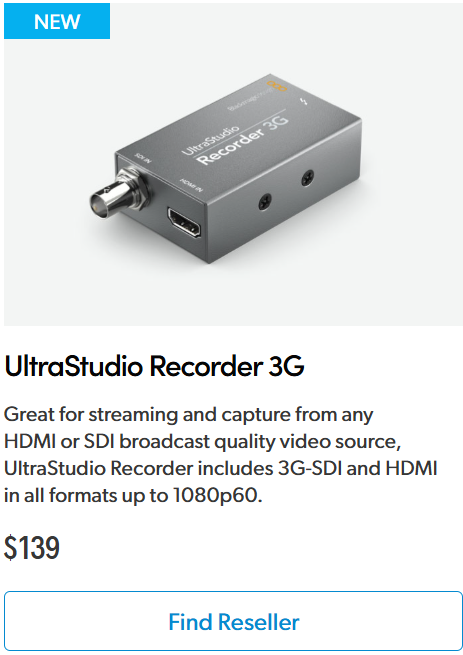
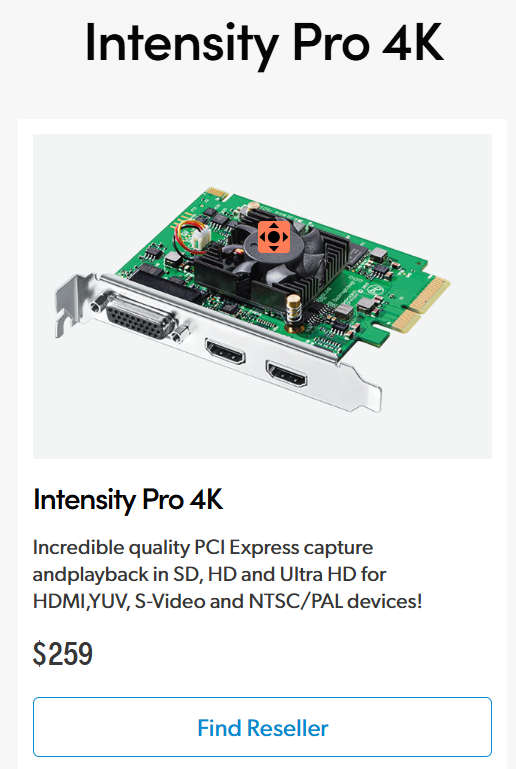
The ONLY Capture Cards I really recommend which also give a perfect audio signal over HDMI (or SDI) are from BlackmagicDesign.com , two versions outside or inside the computer (click the pic):
or otherwise the best solution (click the pic):
Audio-Signal
- Cell phone microphone
- as direct Login with chrome browser in cell phone the own microphone sounds terrible since there seems to be only auto-regulation of level and no influence on it – see video above
- as part of the NDI-HX-Camera the cell phone microphone seems to work properly with in its limitations as in video above
- Microphone with USB-entry into computer
- Zoom H5 Studio – to be tested. Zoom H5 can be inserted into USB 3.0 of cell phone as well as to computer as audio source.
- Shure MV88+Stereo USB Mic seems to be a good microphone for piano at a good price. In case you can get a USB extension cable for more distance. https://www.youtube.com/watch?v=xFvJe6e6BcY
- Microphone over Audio Mixer with USB exit
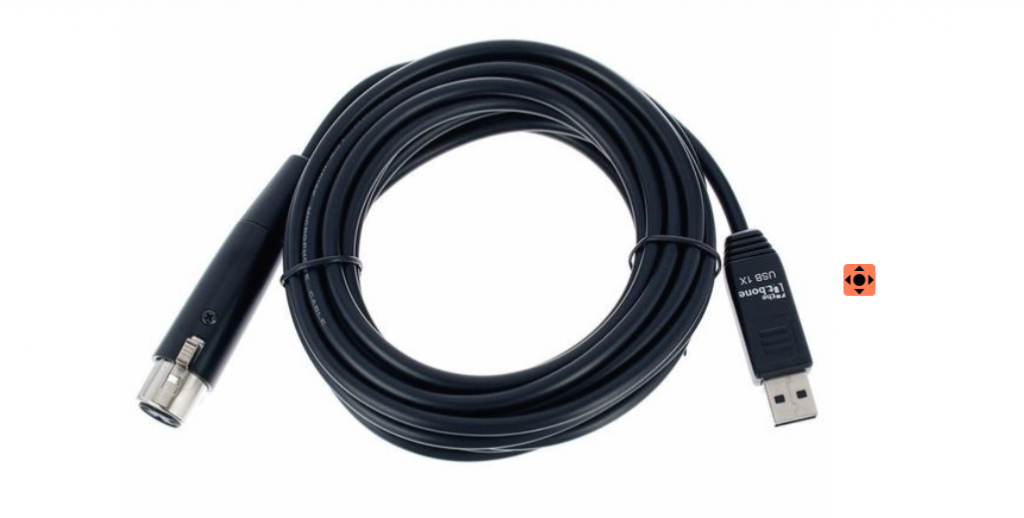
- the t.bone USB 1X – if you have any microphone with XLR plug you can put it into the USB port of your computer with an adapter of this kind
- Any Microphone over Audio Mixer with USB exit for example:
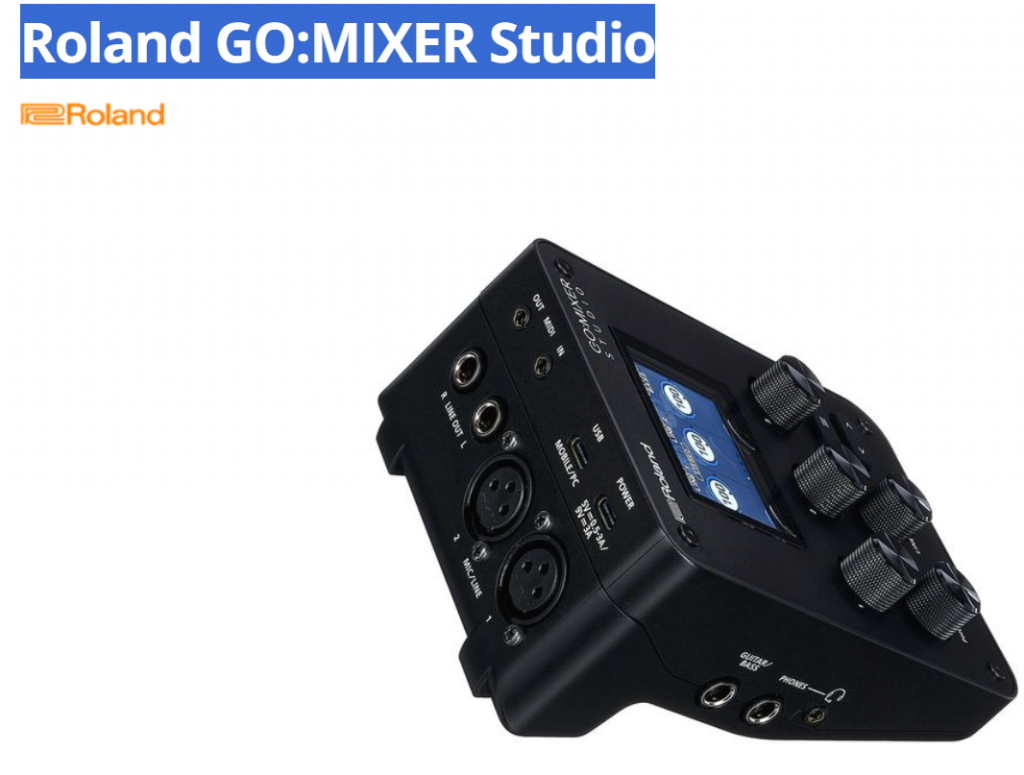
Here you can start with two mics for the stereo channels and build up more and more. One of the smallest mixers which go to the computer via USB as an example.
2. Microphone with USB to PC/Mac